

The advantages of USB-C for laptops
USB-C has established itself as the standard charging method. This not only applies to smartphones, where even Apple has now switched to USB-C due to an EU directive, but also to laptops: USB-C has been mandatory for all new devices since the end of April 2026. This USB-C obligation has several advantages:
- The USB-C interface fulfils several functions: In addition to the charging function, USB-C can also be used for data transfer and as an audio and video output or monitor connection. It is also possible to charge another device from USB-C to USB-C.
- In combination with monitors that support USB-C with PowerDelivery, a laptop can be charged via the screen. A separate connection via a power adapter is then not necessary and cable clutter on the desk is a thing of the past.
- Even without an external monitor, USB-C makes sense for laptops, as standardisation on USB-C makes power supply units from different manufacturers compatible with each other. This helps to avoid electronic waste.
- As an alternative to the power connection via a mains adapter, a socket with an integrated USB-C charging port can also be used, provided it supports PowerDelivery with at least 65 watts.
What does PowerDelivery mean for USB-C connections?
Various interface standards are summarised under the abbreviation „USB-C“, all of which use the same, typical USB connector system „Type-C“. However, USB-C is not the same as USB-C - there are major differences in data transfer speed and power supply performance.
„PowerDelivery“ means that a USB-C socket or a USB-C cable supports the supply of power. This can be recognised by the fact that the USB logo has been supplemented with a lightning bolt symbol, a watt specification, the addition „Charger“ or „Fast Charger“ or the abbreviation „PD“ for „PowerDelivery“.
Smartphones require very little charging power (iPhones currently require 20 watts, for example), while normal business laptops typically require 65 watts. Conveniently, you can charge your smartphone using the laptop's power supply, but unfortunately not the other way round.
Tip: If you are unsure whether a power supply is compatible with your device or not: just try it out! In the USB-C standard, the power supply and device communicate with each other and exchange information about the available or required power.
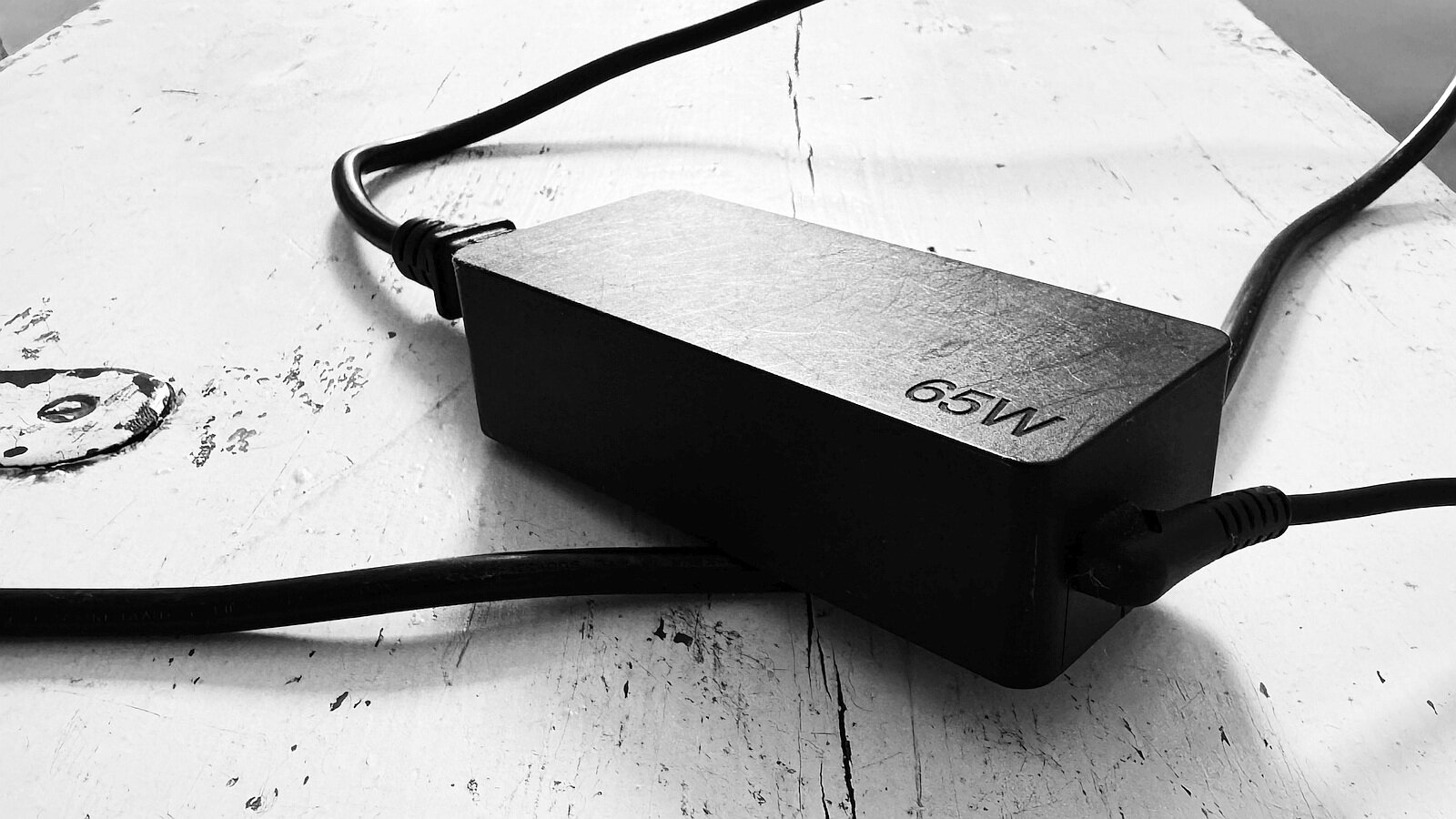
What charging power is typically required for USB-C?
The typical charging power for normal standard laptops is 65 W. The wattage is usually printed on the power supply unit supplied. Gaming laptops or laptops with particularly high computing power sometimes require a higher charging power or are supplied with more powerful power supply units for the quick-charging function.
| Device | Typical performance |
|---|---|
| Smartphone | 10-30 W |
| Tablet | 18-45 W |
| Standard laptop | 45-65 W |
| Large laptops / high-end laptops / fast charging | 65-100+ W |
What does USB-C with PowerDelivery mean for our acoustic cubes?
The trend towards more and more USB-C-compatible end devices plays a major role for the telephone and meeting boxes or work boxes we offer. Overall, it can be said that the need for earthed sockets is decreasing as a result. Some models are already only supplied with USB-C PowerDelivery sockets (i.e. completely without a socket). For many other models, the number of sockets required is reduced to just one - the one for the integrated monitor. This monitor can then take over the laptop's power supply via USB-C (assuming a suitable monitor).
Phone and meeting boxes with USB-C PowerDelivery as the only power supply inside
The following models available from us now rely entirely on USB-C with PowerDelivery (65 watts) and therefore do not have a socket inside:


Questions, comments & personal advice
Are you missing any information or do you have any questions? Then please leave a comment below! You can also get free advice from us: